#ICT IOTA Controlled agenT on Android
For some weeks now on the #ict channel of the IOTA Discord we have been experimenting with ICT and Raspberry PI or virtual machines with 512MB of RAM.
Today we’ll see if it’s possible to install ICT on an Android phone (e.g. the phone with the broken display we had in the drawer).
Needed software:
Let’s install UserLAnd and ConnectBot on our Android phone, we install Debian GNU/Linux and via ConnectBot we connect to the local SSH session.
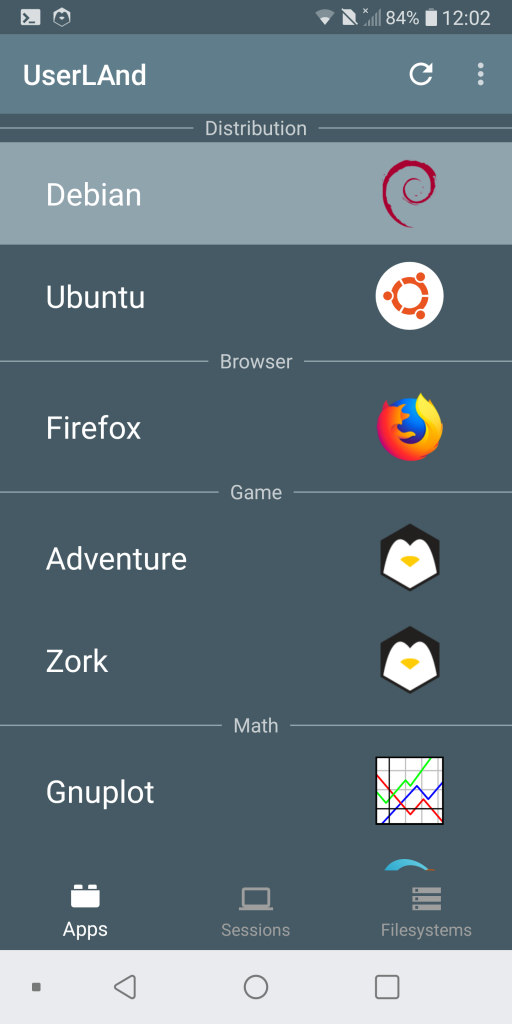
SSH connection

We install net-tools necessary to discover our IP address and be able to connect to the SSH session from our computer via Putty or bash in Linux.
sudo apt install net-tools
We display the IP address of our phone:
ifconfig
Fine. Open your favorite SSH client and connect from the PC to port 2022 for example from the bash con:
ssh USERNAME@INDIRIZZOIP -p 2022in my example with:
ssh [email protected] -p 2022Now that we can use a serious keyboard we install the necessary tools:
sudo apt install --assume-yes nano gnupg2 screenoracle-java8-jdk
We install oracle-java8-jdk from the team ppa webupd8, we add the repo:
sudo nano /etc/apt/sources.list.d/weupd8team.listdeb http://ppa.launchpad.net/webupd8team/java/ubuntu xenial main
deb-src http://ppa.launchpad.net/webupd8team/java/ubuntu xenial main